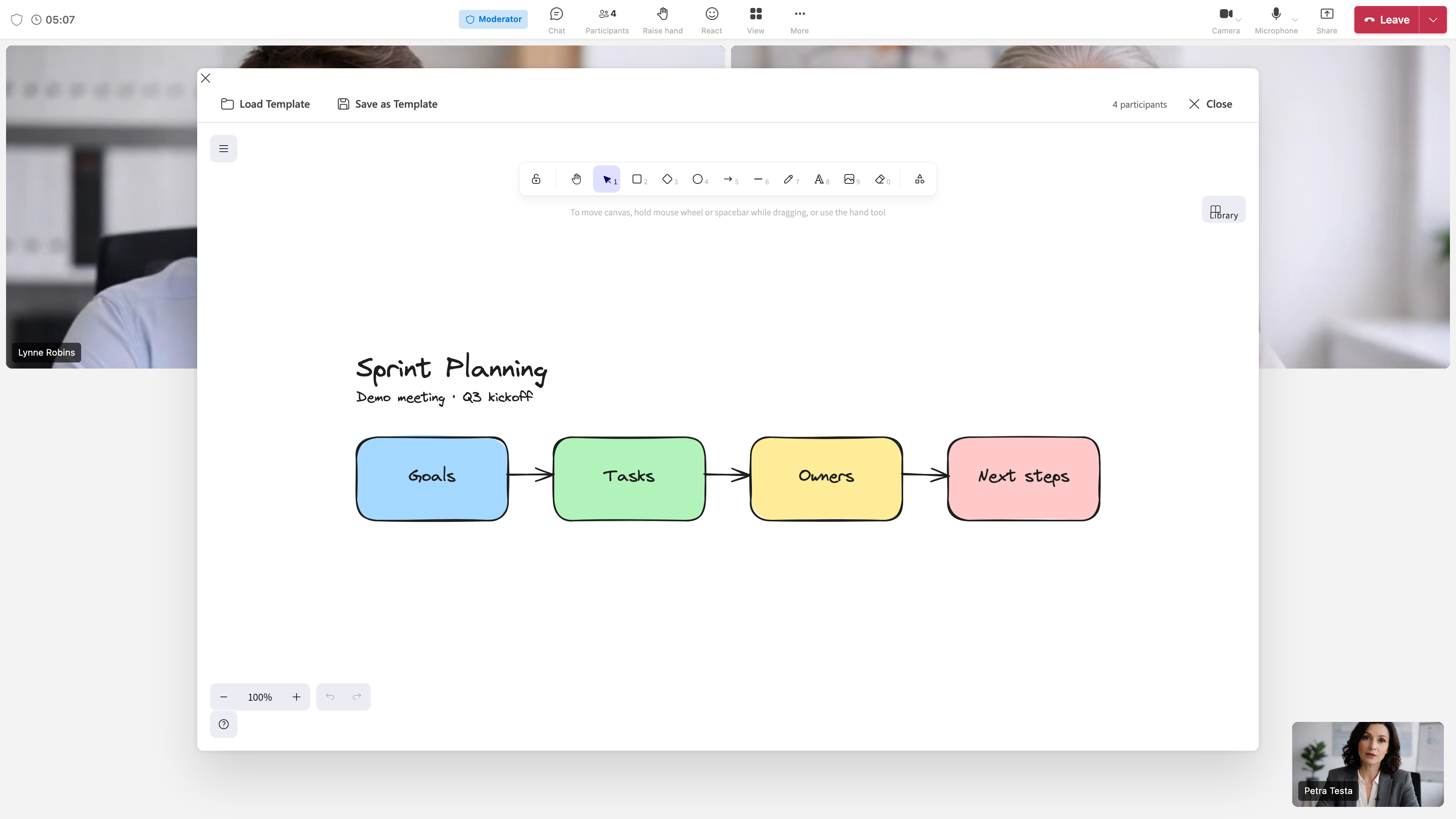
Tab: Whiteboard
Context
Integrated tab in chat rooms, channels, and meetings. Opened via Add Tab or meeting toolbar.
Technology
- Based on Excalidraw – open-source drawing tool
- Collaborative drawing in real time: All participants see the same canvas
- Runs in browser; no extra installation
Features
Drawing Tools
| Tool | Description |
|---|---|
| Freehand | Pen, brush – free sketches |
| Shapes | Rectangle, circle, arrow, line, diamond |
| Text | Add labels |
| Arrows | Connect elements |
| Selection | Move, scale, delete elements |
Collaboration
- Real-time sync: Changes visible to all immediately
- Cursors: Others see your cursor (optional)
- Colors: Per participant or shared palette
Other Options
- Undo / Redo
- Export: PNG, SVG
- Fullscreen
- Libraries: Predefined shapes (per Excalidraw version)
Availability
| Context | How to open |
|---|---|
| Chat/channel | Add Tab → Whiteboard |
| Meeting | Whiteboard button in meeting toolbar |
| Manage | Right-click tab → Remove or open in new window |
Typical Use
- Brainstorming: Sketch ideas, mind maps
- Presentations: Draw sketches, diagrams live
- Explanations: Visualize technical concepts
- Meeting notes: Visual instead of text only
📸 Screenshot:
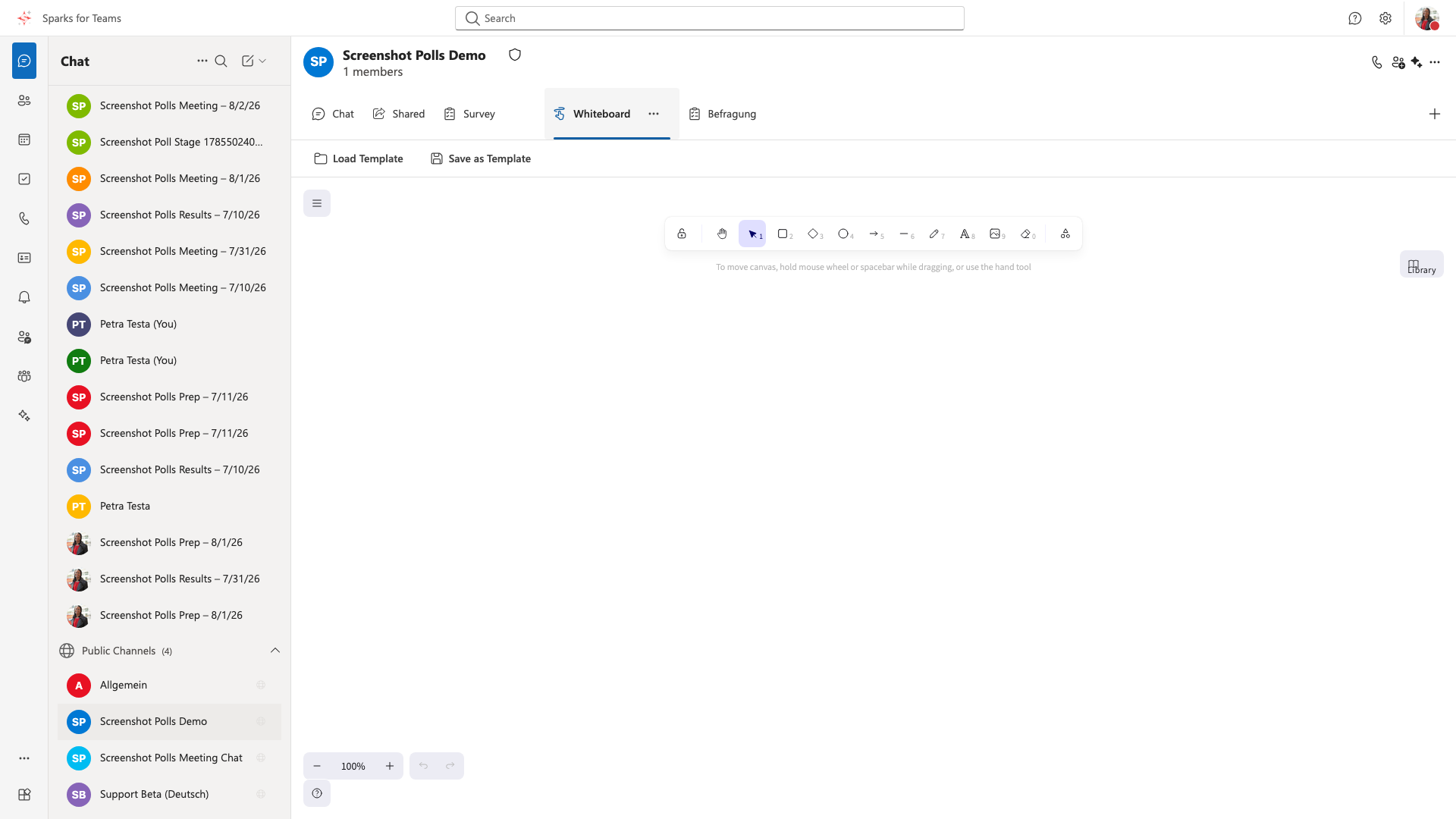
📸 Whiteboard in meeting: