Tab: Planner Views
Context
View options in Planner, selected from the view bar.
Available Views
| View | Description | Use |
|---|---|---|
| Grid | Compact grid/table of tasks (replaces the former List view) | Overview and sorting |
| Board | Kanban with buckets (columns) | Status, drag & drop or Alt+arrow |
| Schedule | Timeline | Due dates |
| Charts | Statistics and progress | Reporting |
Note: Old bookmarks for “List” map to Grid in the app.
Board View
- Buckets = columns
- Tasks = cards; drag & drop between buckets, or focus a card and press Alt+Left/Right
- “+” in a bucket: create a task in that bucket
- Quick-Assign: person button on a card assigns/unassigns you
- With Microsoft Planner: buckets are customizable per plan
Grid View
- Tasks in a compact grid/list structure
- Sidebar filters still apply
- Localized status and priority labels
Schedule View
- Horizontal timeline
- Tasks as bars (duration when available)
- Overlaps visible
Charts
- Progress completed vs open
- Distribution by bucket / assignee (depends on provider)
Filters (sidebar)
| Filter | Description |
|---|---|
| My Day | Tasks you added to My Day |
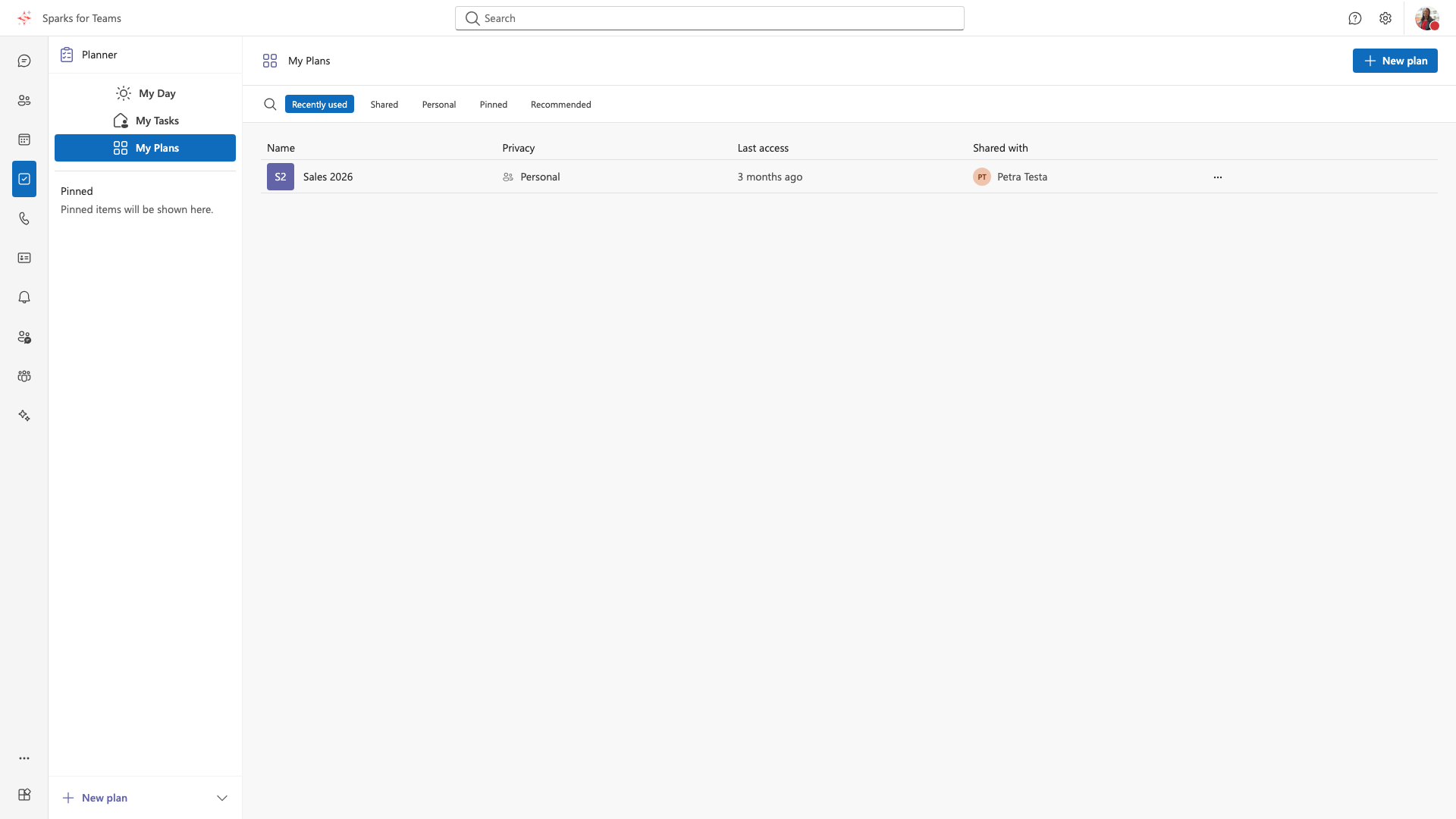
| My Tasks | Your task overview |
| Plans | All plans / selected plan |
Individual plans can be selected. Additional status filters depend on plan/provider.
📸 Screenshot:
Related Pages
- Area: Planner
- Dialog: Create Task
- Dialog: Add Tab (Planner as a room tab)