Tab: Survey
Context
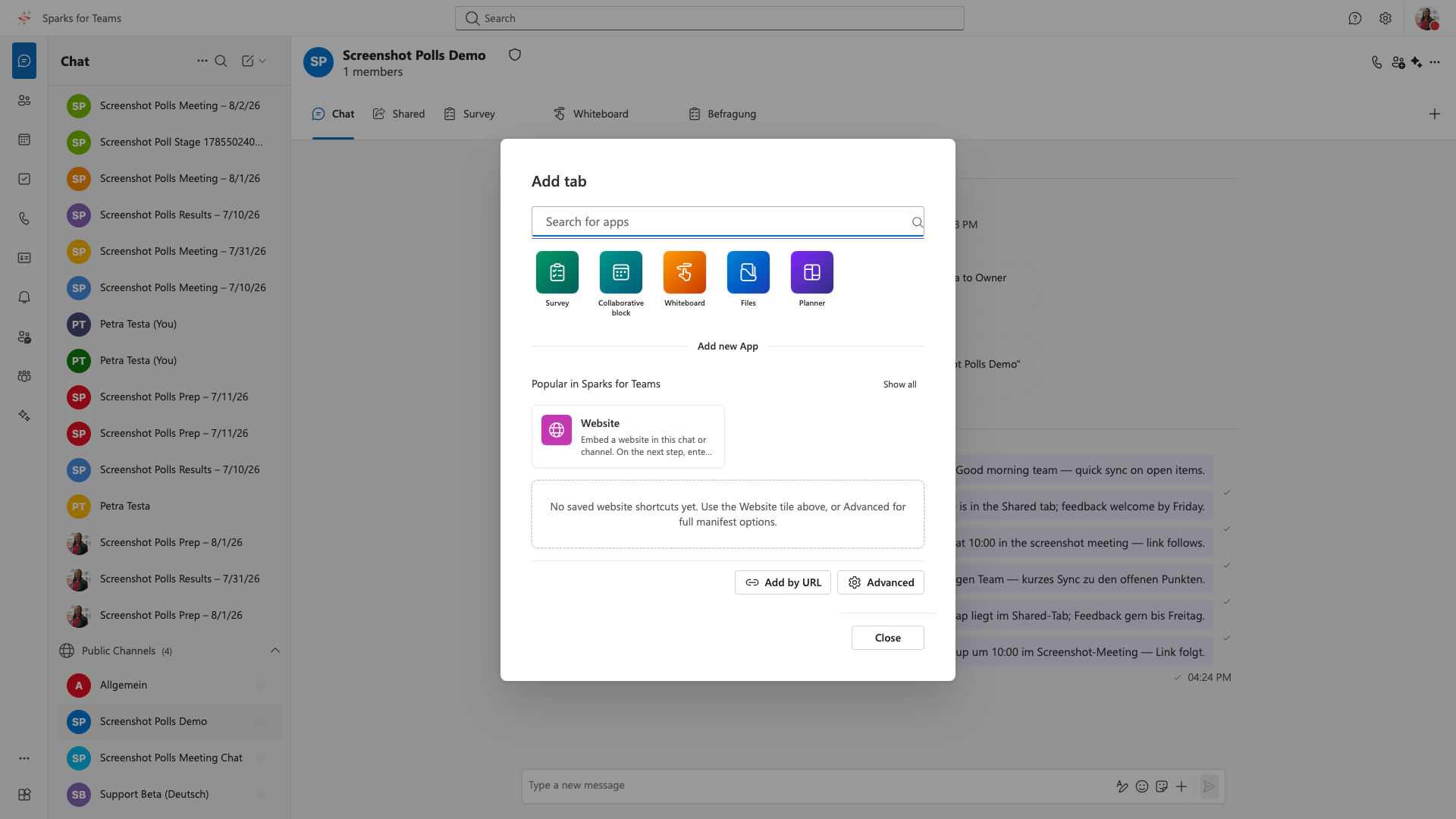
Integrated tab in chat rooms, channels, and meetings (Polls drawer). Tab title in the bar: Survey (German Befragung). In chats/channels, activate via Add Tab. Data is stored in the Matrix room (quick polls and questionnaires).
Two Areas
| Area | Description |
|---|---|
| Quick poll | Single question, multiple options (single or multiple choice) |
| Questionnaires | Multiple questions per survey; types: choice, text, rating (scale), yes/no; optional required questions |
Permissions
| Action | Who |
|---|---|
| Create, start, close, save templates, export CSV | Room moderators (Matrix power level ≥ 50) or meeting moderators |
| Vote / submit questionnaire | All room or meeting participants |
Without moderation rights, you see an error if you try to create a poll.
Quick Poll
Create (moderators)
- Choose Create poll
- Enter question and at least two options
- Optional: multiple choice, anonymous voting, record participant names
- Save draft or Create and start
Vote
- Select option(s) → Vote
- Live results (votes/percentages) visible to everyone
- Anonymous polls do not show names
Drafts and Lifecycle
- Draft → visible to moderators only
- Active → all participants can vote
- Closed → no further votes; results remain visible
Questionnaires
- Add questions one by one (type, text, required flag, min/max for ratings)
- Start from room templates or personal library
- After submission: aggregated results (choices, text list, rating average, yes/no counts)
- CSV export for moderators
In Meetings
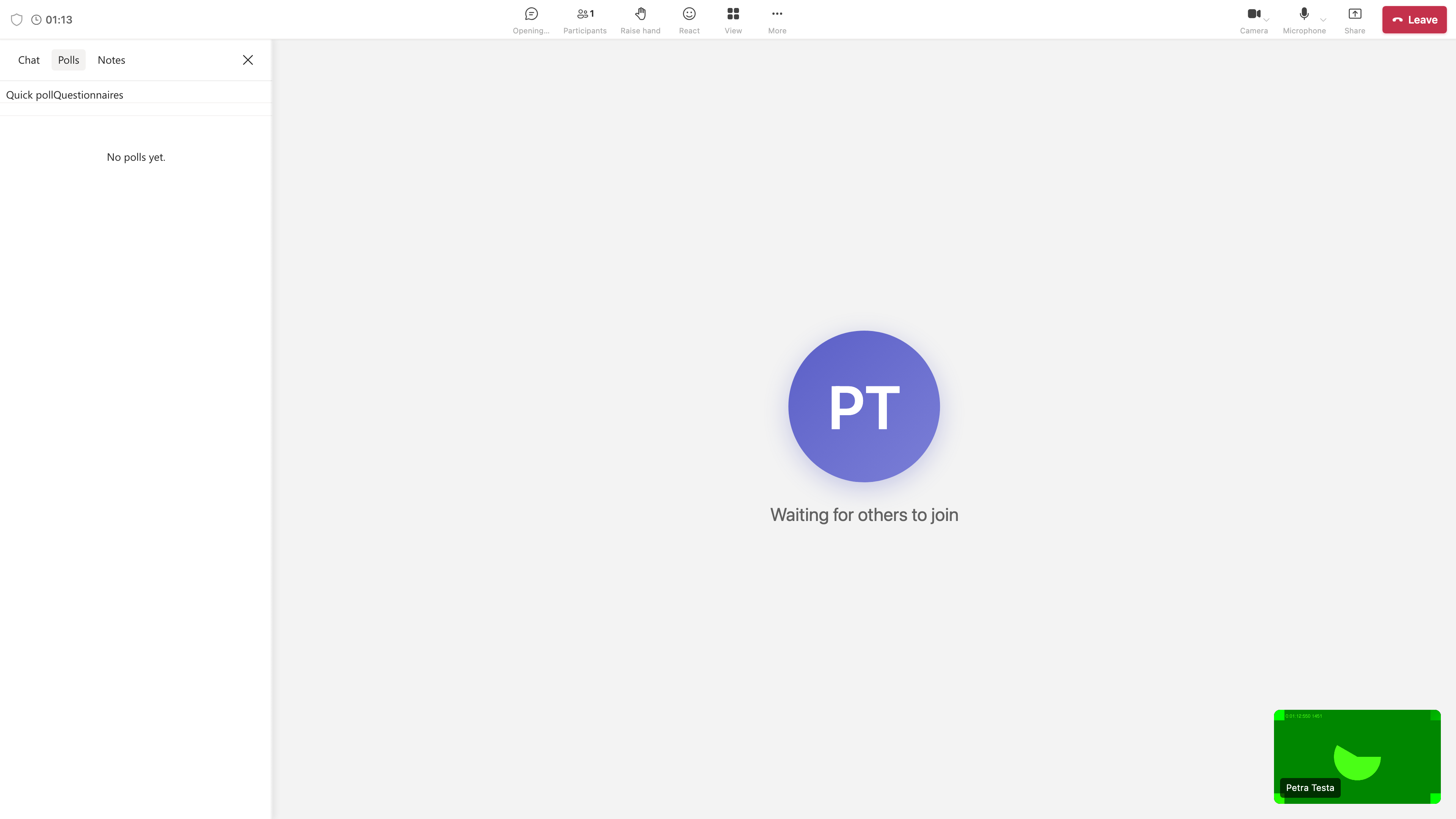
- Polls drawer for all participants (unless disabled on the appointment)
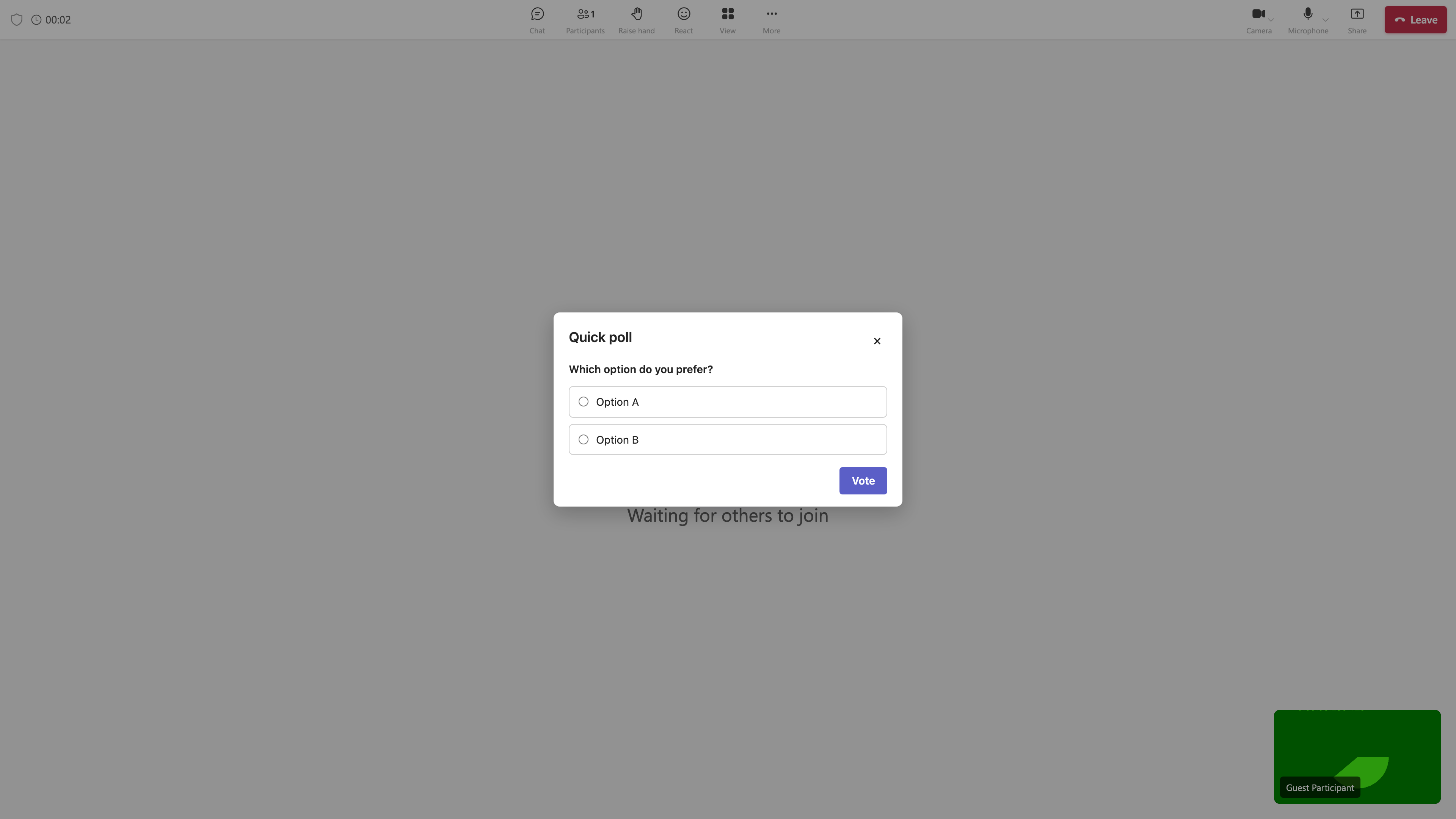
- For an active quick poll: central stage dialog for non-moderators (vote without waiting for moderator share)
- Moderators manage polls in the drawer; optional shared view for questionnaires
See Meeting roles.
Before and After the Appointment
| Phase | Feature |
|---|---|
| Pre-meeting | Edit appointment → More options → create poll drafts (online meeting) |
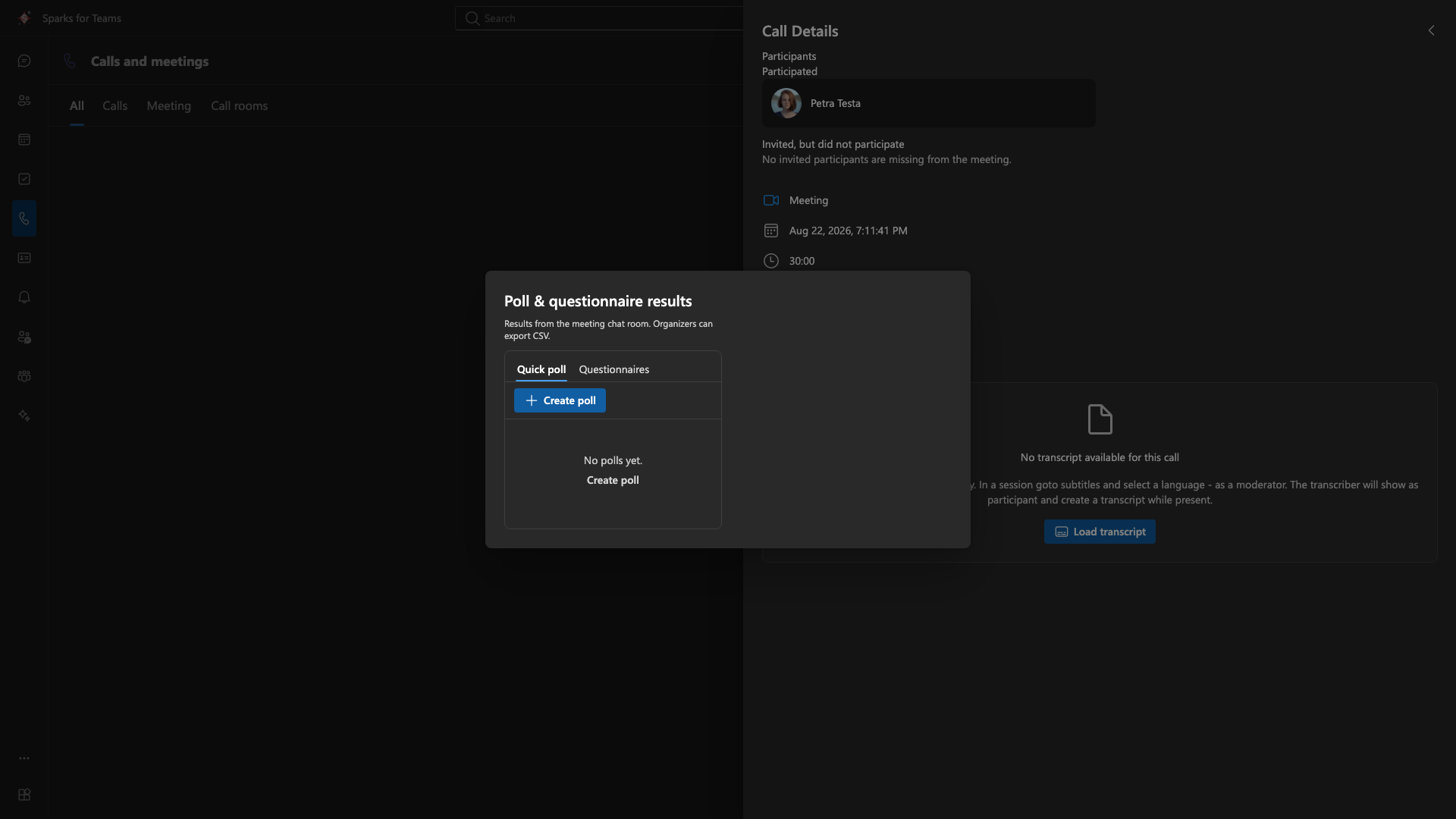
| Post-meeting | Calendar context menu or Calls → Call log → Poll results (overview, CSV for organizer) |
See Event and meeting options.
📸 Prepare polls (calendar):
📸 Poll results (calendar):
📸 Poll results (call log):
In Chat (Composer)
- Composer menu Create poll → poll is sent as a message with widget
- Vote directly in the message timeline
Privacy
- Polls can be disabled under Settings → Privacy
- When disabled: no poll participation
📸 Screenshot:
📸 Meeting polls drawer:
📸 Quick poll stage dialog:
Manage
- Right-click tab → Remove or open in new window