Area: Calls
Path: /calls
Icon: Call icon in the sidebar
Overview
The Calls area covers voice/video calls, meeting history, call rooms, and the dial panel (speed dial + people search). Manage people under Contacts (/contacts); call preferences under Settings → Calls (gear, top right).
Layout
| Element | Description |
|---|---|
| Tab bar | All · Direct · Meetings · Call rooms |
| Dial panel (desktop left / mobile separate screen) | Speed dial, people search, start call/video |
| Call history | Past calls and meetings (filtered by tab) |
| Gear | Opens /settings?tab=calls |
On mobile you often switch between History and Start call (dial panel).
Tabs
| Tab | Content |
|---|---|
| All | Full call/meeting history |
| Direct | 1:1 and direct chats |
| Meetings | Scheduled/meeting entries |
| Call rooms | Group rooms favorited for quick audio/video (add a Matrix room) |
History details: Call log. Speed-dial entries are managed in the dial panel or from Contacts.
Starting a call
- Open All / Direct (or the dial panel)
- Find a person or pick speed dial
- Call (audio) or Video
- The other party sees the Incoming call dialog
During the call
- Mic, camera, screen share, hang up
- Optional 1:1 E2EE (Settings → Privacy) when both sides support it
Element / federated Matrix calls
Legacy VoIP and MatrixRTC modes Ignore / Decline / Notify only do not use the Sparks meeting UI. With “Ring and answer in Sparks”, the incoming call dialog appears; after accept you join the caller’s LiveKit (basic A/V, interop). Settings: Settings → Chats and channels. Details: Element Call and federation
After the meeting / in history
- Poll results (organizer)
- Transcript and optional AI summary when available and permitted
- Sharing protocol/transcript — see Call log
Meetings
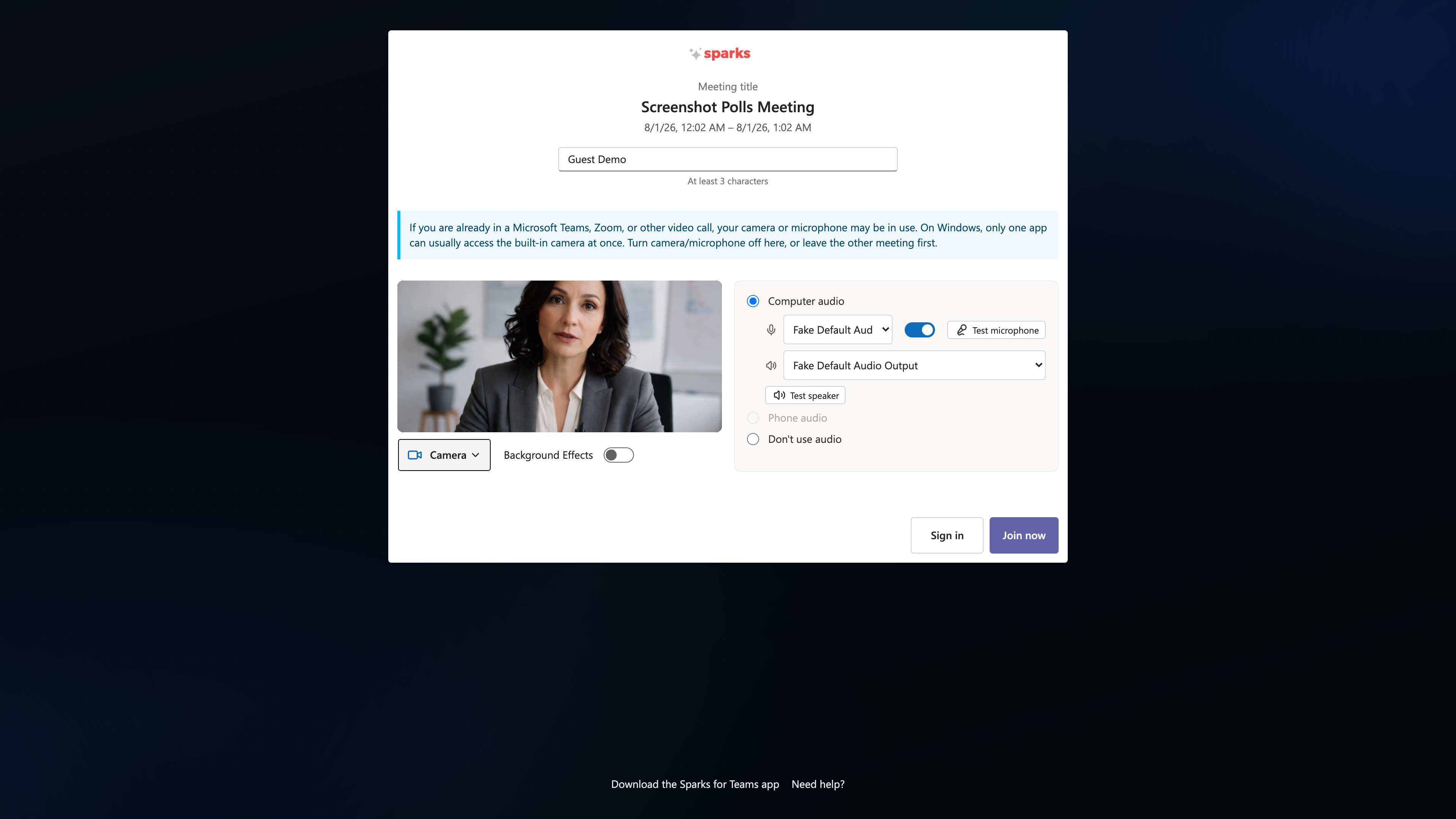
Join a meeting
- Link (calendar) or “Join meeting” + link/code
- Pre-join: camera, mic, background
- Join
📸 Pre-join:
📸 Meeting room:
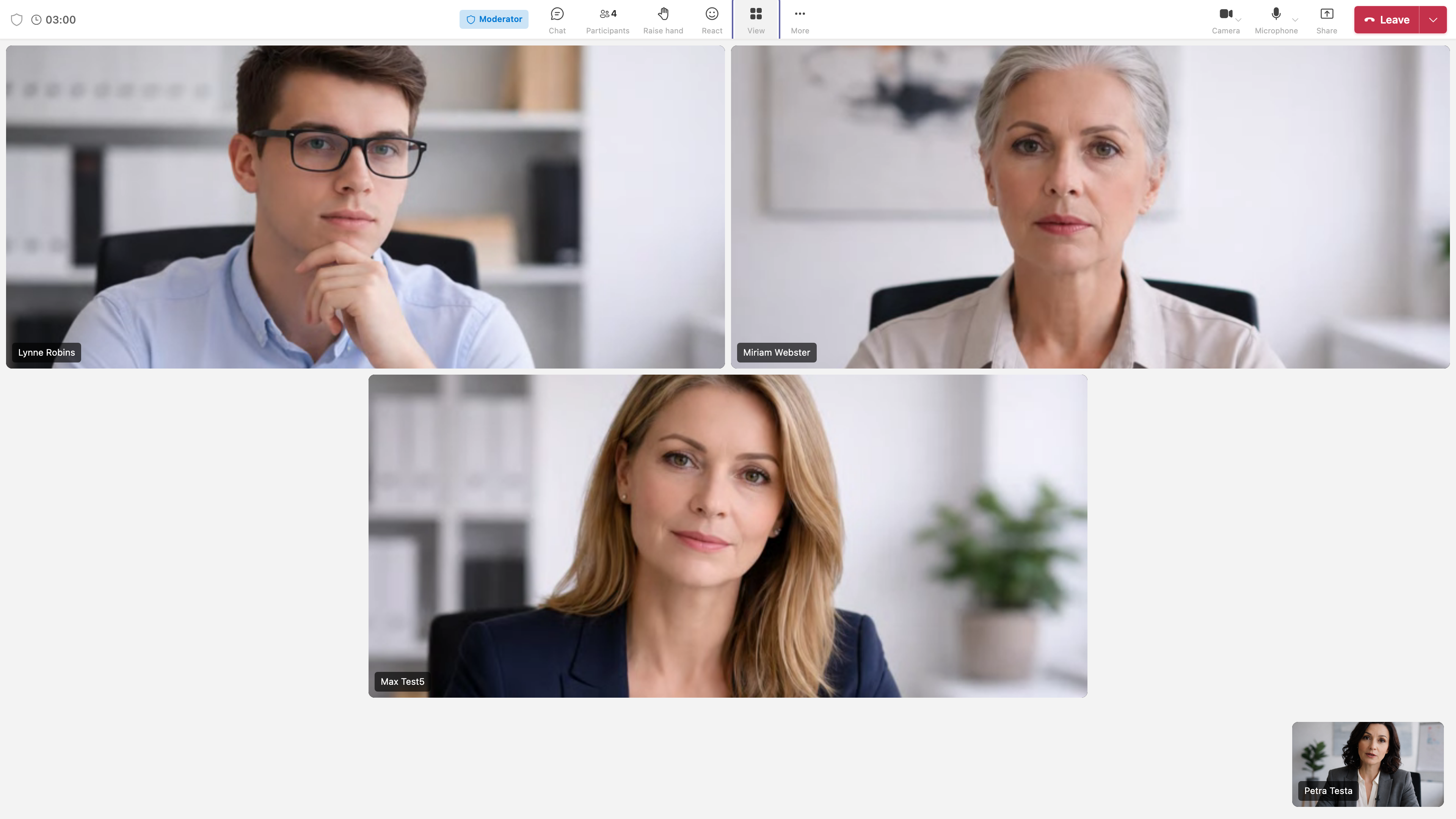
Meeting toolbar
- Chat, Q&A, Polls, Participants, Breakout rooms
- Raise hand, Reactions
- View: Gallery (grid), Speaker, Sidebar, Immersive
- Whiteboard, Background effects
Call settings
Under Settings → Calls:
- Auto-open meeting view
- Ad-hoc transcription defaults (save/share)
- Ringtone
- Reset stuck call
Requirements
- Mic/camera permissions
- Parallel apps: Parallel meeting apps
- Call log: OIDC/Conf backend or local call log on the Vista node